Showing posts with label Pink. Show all posts

22 April 2009

SW Chocolate Giggles Background :)


SW Chocolate Giggles...

(Make sure you are using the Minima template.)

Hi again :)

Another Background for you that I've been working on, someone was asking for a Pink and Brown one ... Can't remember who it was now though as it was a while ago ... Will have to go have a look and let you know it's here at last, Lol's ...
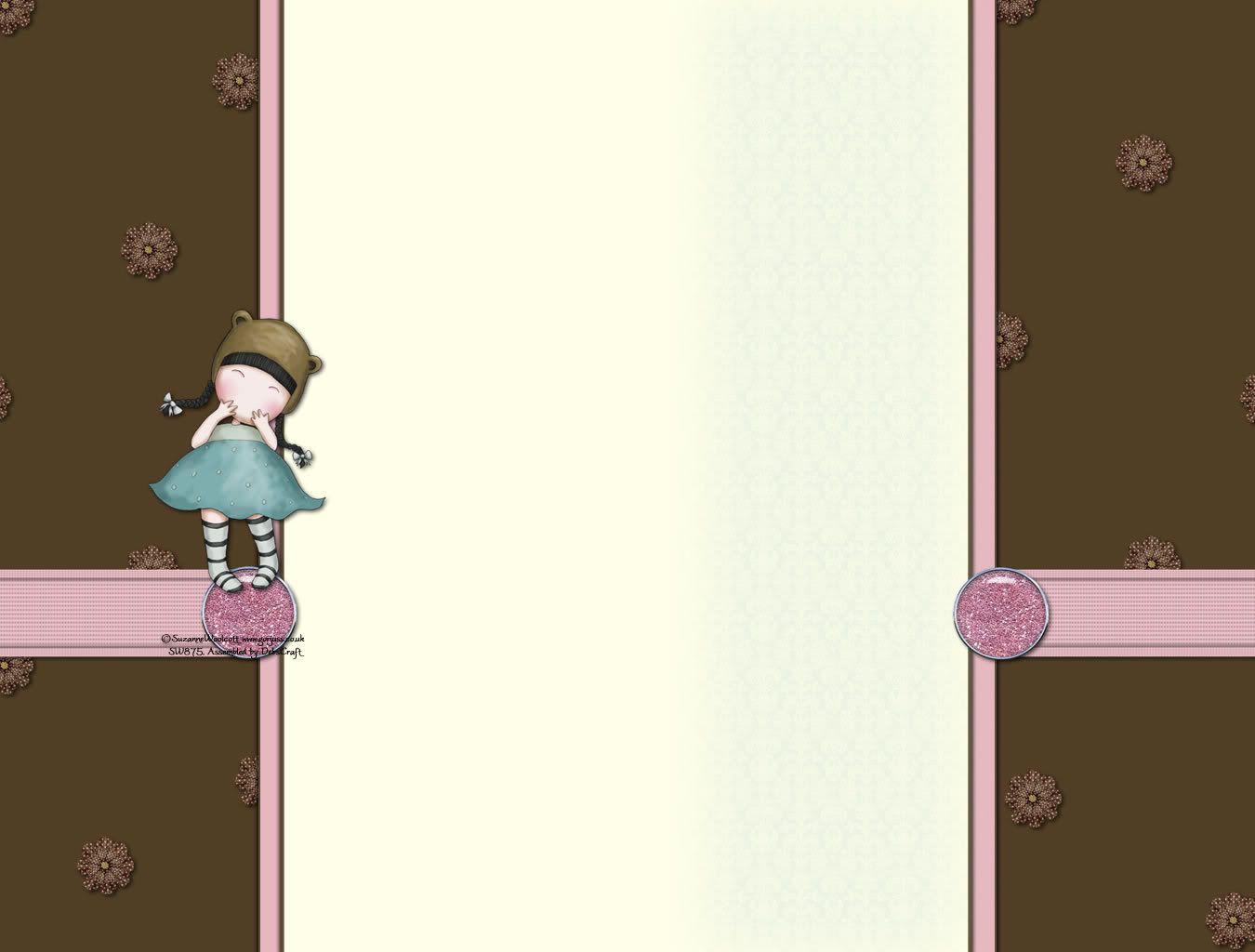
Click here to enlarge

1. Copy all the code in the box below by hi-lighting it and
pressing "CTRL and C" at the same time.


2. Log in to your blogger blog.

3. Click on "Customise" to take you to the, "Add and Arrange Page Elements" page.

4. Click on "Add Gadget" scroll down to "HTML/JavaScript" and click on the blue "+" sign.

5. Paste the above code in the Contents
box using "CTRL and V".
(You can leave the Title box blank.)

6. Click "Save".

Header to match ....

1. Click the image below to enlarge.

2. Right click and, "save as".

With Text:
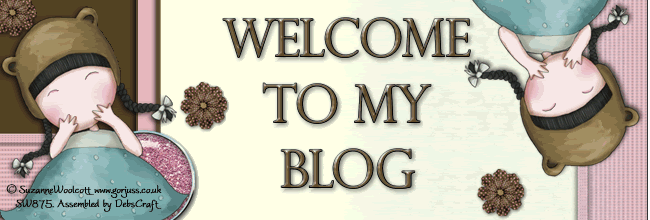
Click here to enlarge before saving

3. Edit your header and upload it from your PC. If choosing the blank header below, make sure you set the placement as:

"Behind title and description"

So it shows your text.

Blank Header:
Click here to enlarge before saving


Enjoy!


10 March 2009

Suzanne Woolcott 3 Column Background


Gorjuss Easter Critters...

Click here to enlarge

1. Copy all the code in the box below by hi-lighting it and
pressing "CTRL and C" at the same time.


2. Log in to your blogger blog.

3. Click on "Customise" to take you to the, "Add and Arrange Page Elements" page.

4. Click on "Add Gadget" scroll down to "HTML/JavaScript" and click on the blue "+" sign.

5. Paste the above code in the Contents
box using "CTRL and V".
(You can leave the Title box blank.)

6. Click "Save".

If anyone would like a Header to match this please let me know what width you would like. Thanks, and Enjoy!

Blank Header:
Click here to enlarge before saving


:)


26 January 2009

Animal Valentines Freebie


For Any Animal Lovers out there ...

(Make sure you are using the Minima template.)

Click here to enlarge

1. Copy all the code in the box below by hi-lighting it and
pressing "CTRL and C" at the same time.


2. Log in to your blogger blog.

3. Click on "Customise" to take you to the, "Add and Arrange Page Elements" page.

4. Click on "Add Gadget" scroll down to "HTML/JavaScript" and click on the blue "+" sign.

5. Paste the above code in the Contents
box using "CTRL and V".
(You can leave the Title box blank.)

6. Click "Save".

Header to match ....

1. Click the image below to enlarge.

2. Right click and, "save as".

With Text:
Click here to enlarge before saving

3. Edit your header and upload it from your PC. If choosing the blank header below, make sure you set the placment as:

"Behind title and description"

So it shows your text.

Blank Header:
Click here to enlarge before saving

Enjoy!


23 January 2009

SW Valentines Freebie


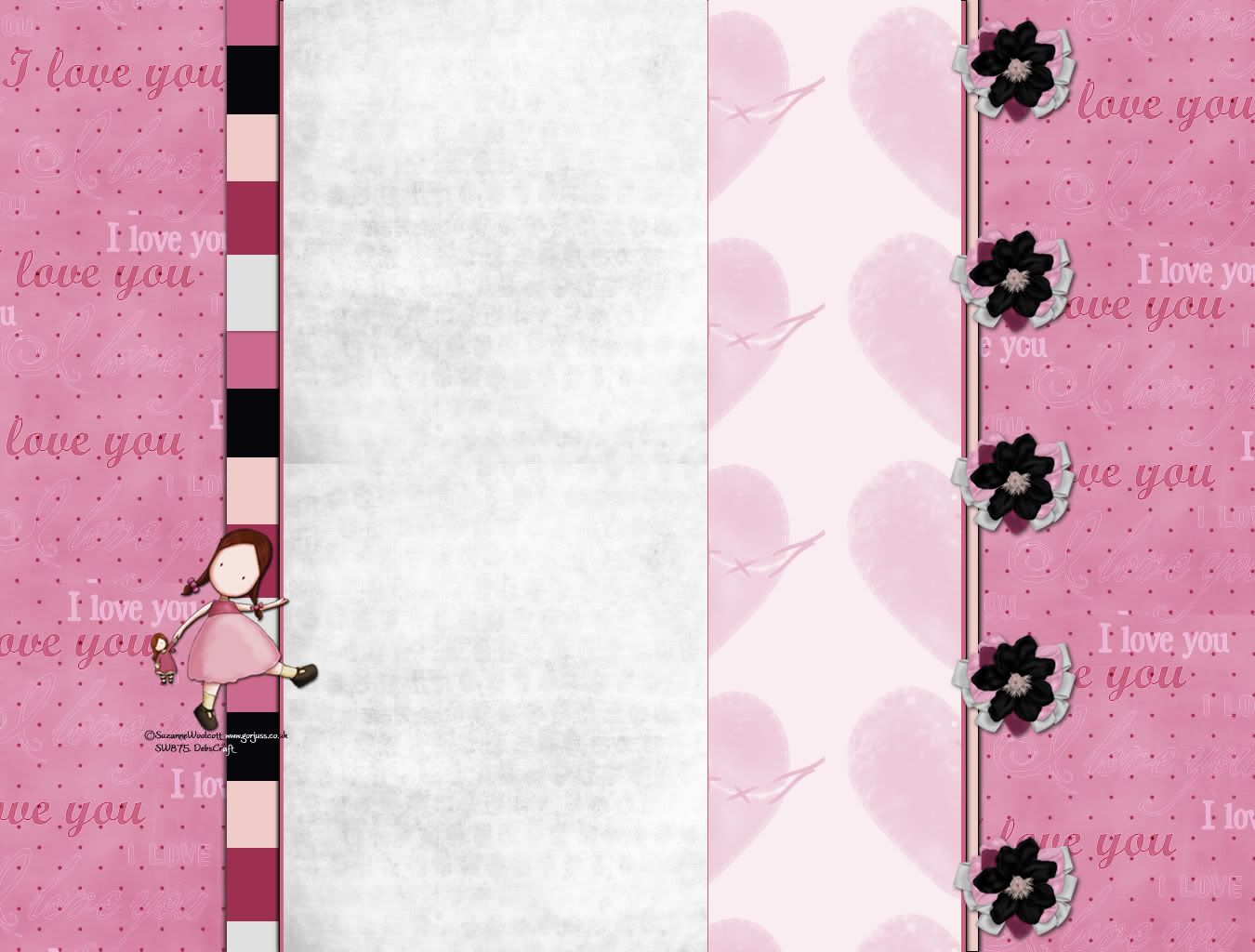
SW Valentines.1 Blog Background and Header Freebie.

(Make sure you are using the Minima template.)

Click here to enlarge

1. Copy all the code in the box below by hi-lighting it and
pressing "CTRL and C" at the same time.


2. Log in to your blogger blog.

3. Click on "Customise" to take you to the, "Add and Arrange Page Elements" page.

4. Click on "Add Gadget" scroll down to "HTML/JavaScript" and click on the blue "+" sign.

5. Paste the above code in the Contents
box using "CTRL and V".
(You can leave the Title box blank.)

6. Click "Save".

Header to match ....

1. Click the image below to enlarge.

2. Right click and, "save as".

Click here to enlarge before saving

3. Edit your header and upload it from your PC.

Enjoy!